Forms on PageCarton allow you to collect information from website visitors, such as contact details, inquiries, or feedback. Follow the steps below to create a form on your PageCarton website.
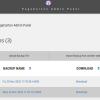
Step 1: Login and Navigate to the Forms Section
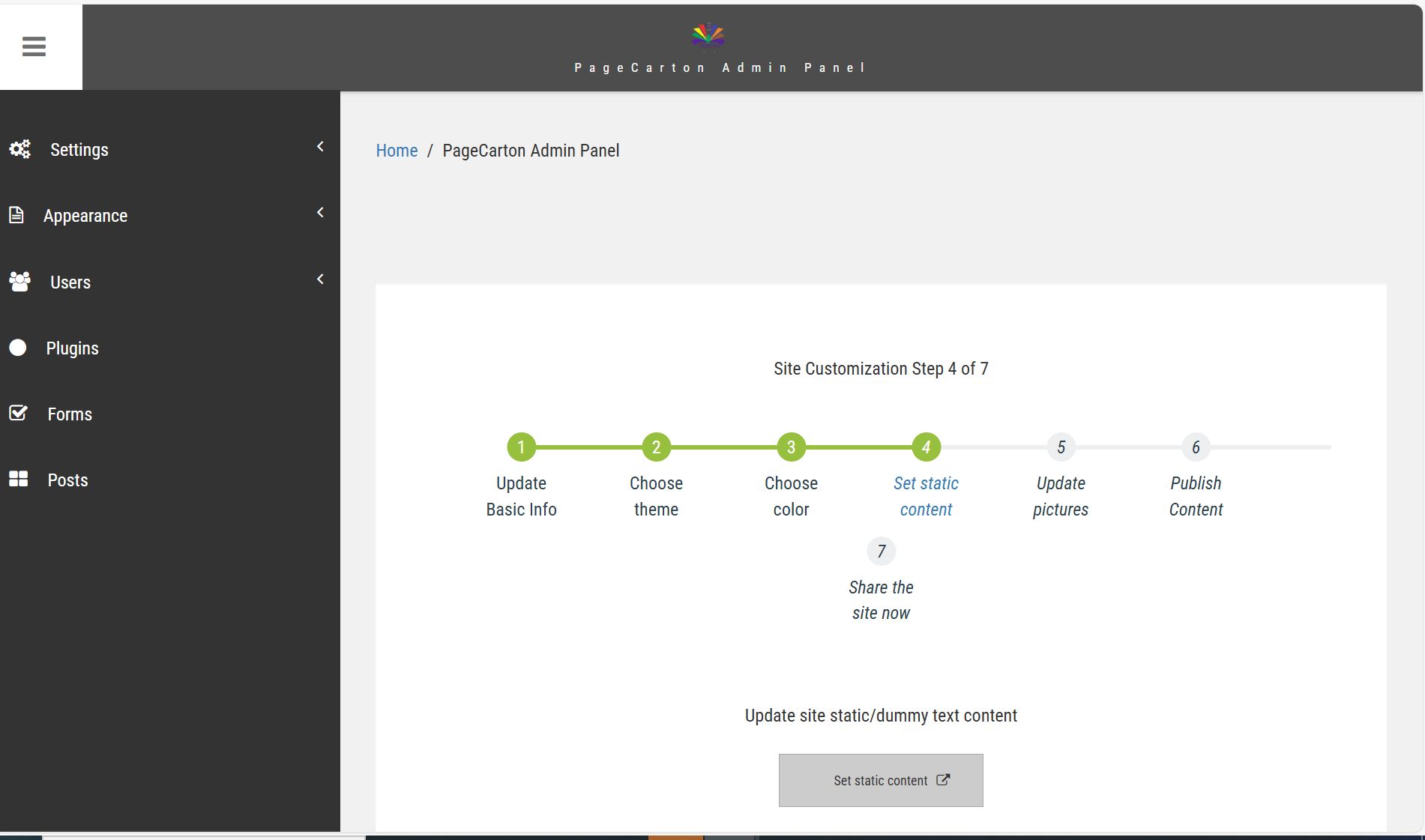
1. From the admin dashboard, locate Forms
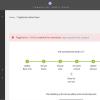
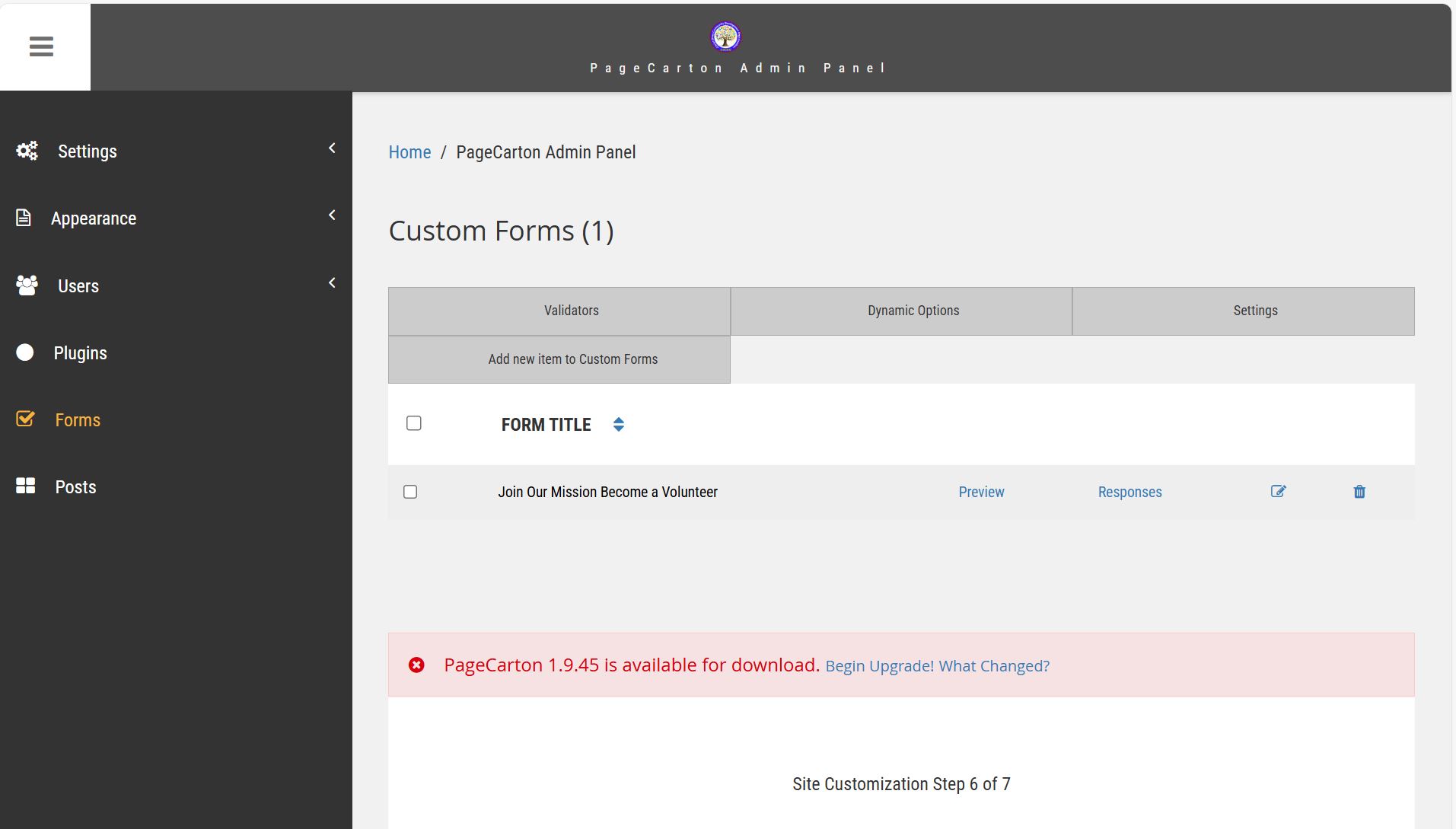
2. Click Add New Item to Custom Form.
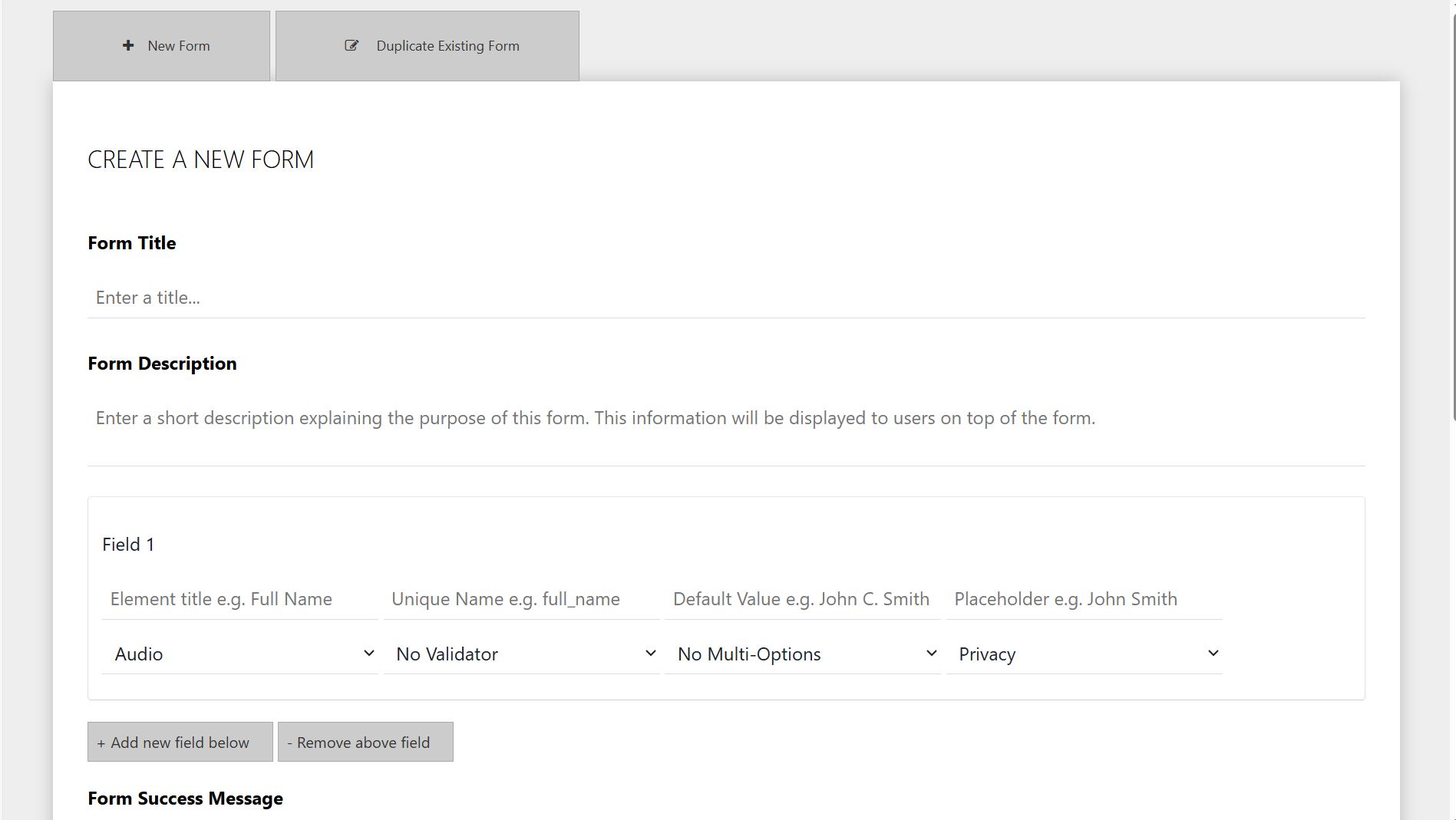
3. Enter a Form Title and Description (e.g. Contact Form).
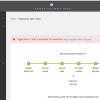
4. Add form fields.
5. Configure Form Settings
· Email notifications (where form submissions are sent)
· Success message (shown after submission)
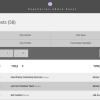
6. Save your Form.
Step 2: Add the Form to a Page
To display the form on your website:
Using Page Editor
1. Open the page where you want the form.
2. Insert the form using the page editor or widget selector.
3. Save page.