The Multi-Site Manager in PageCarton allows you to manage multiple websites from a single PageCarton installation.
With the Multi-Site Manager, each site can have its theme, content, and settings, while still being managed from one admin panel.
Accessing the Multi-Site Manager
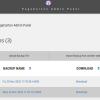
1. Log in to your PageCarton admin panel.
2. From the dashboard menu, locate Settings - Multi-Site Manager.
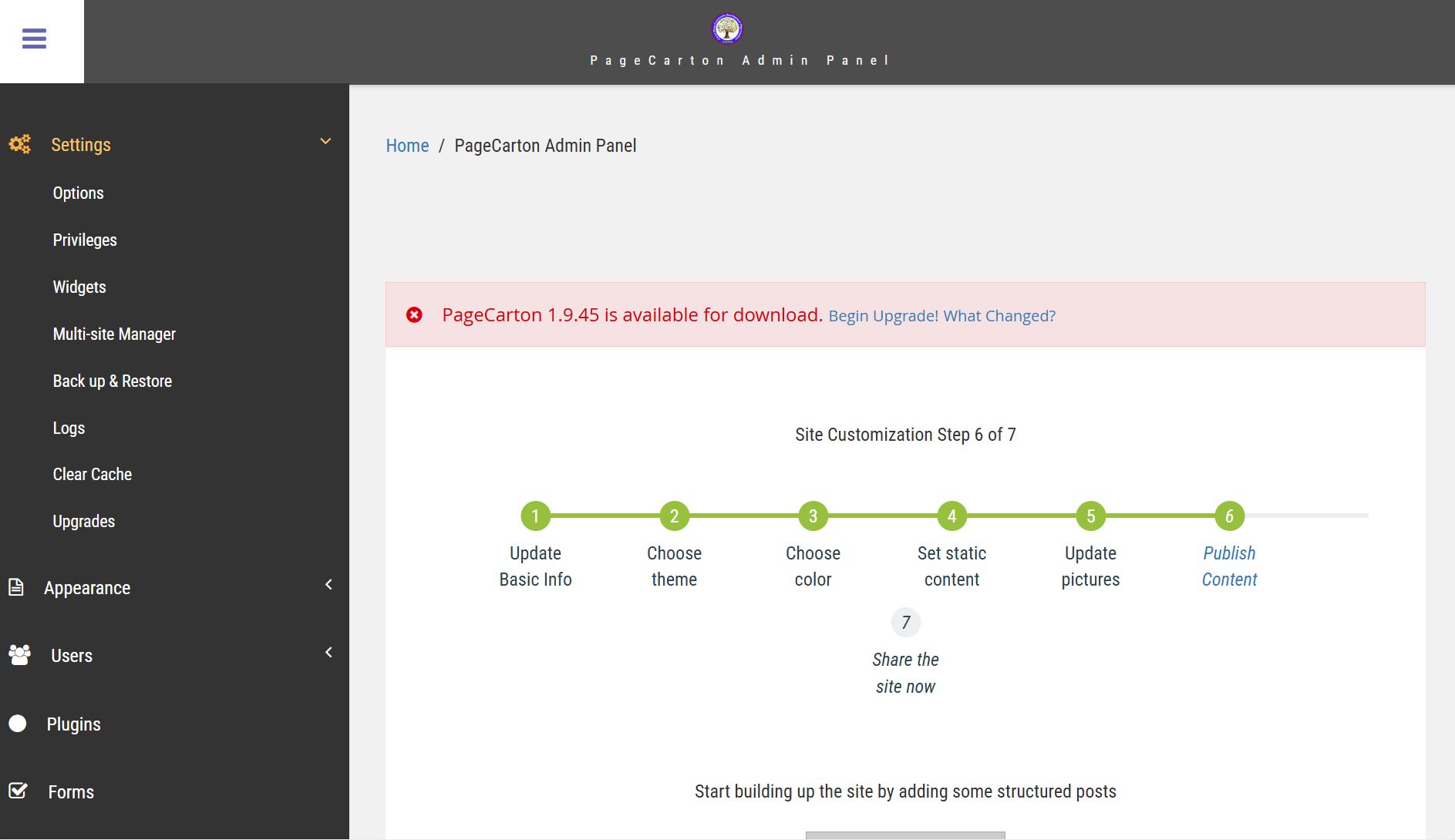
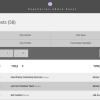
3. Click to open the multi-site management interface.
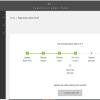
4. Click on the Add new Item to Multi Site Manager.
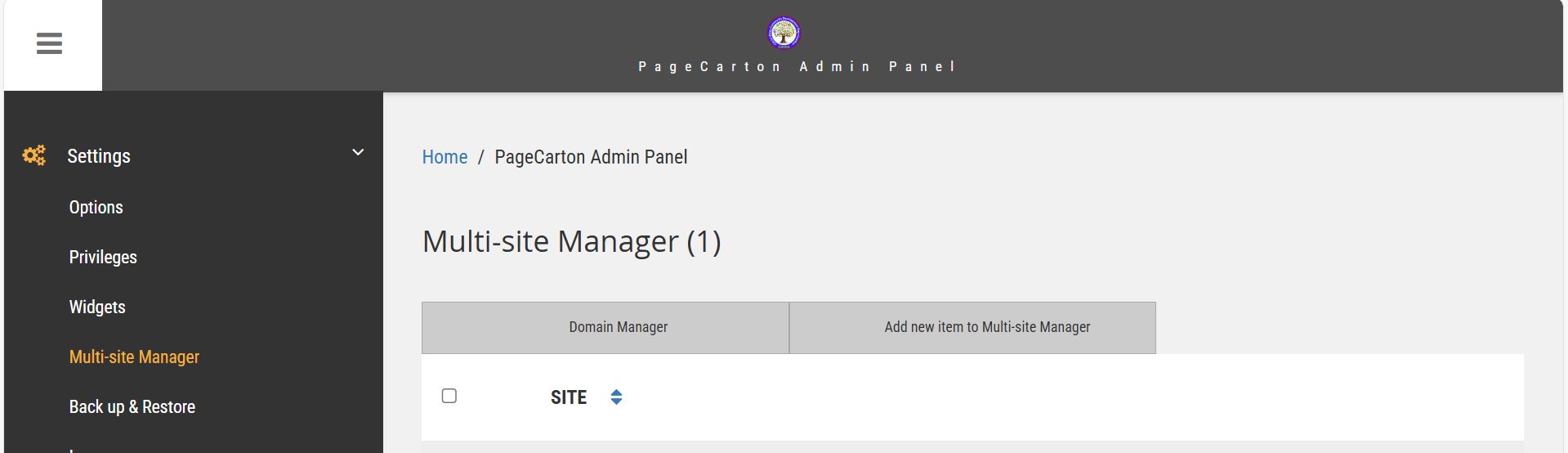
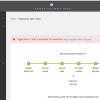
5. Input the Site Directory and Continue.